
Blog/May 21, 2026
Photo Booth Client Email Formatter
Create polished client emails for photo booth bookings in seconds. Add event details, services, and your business name, then copy and send.
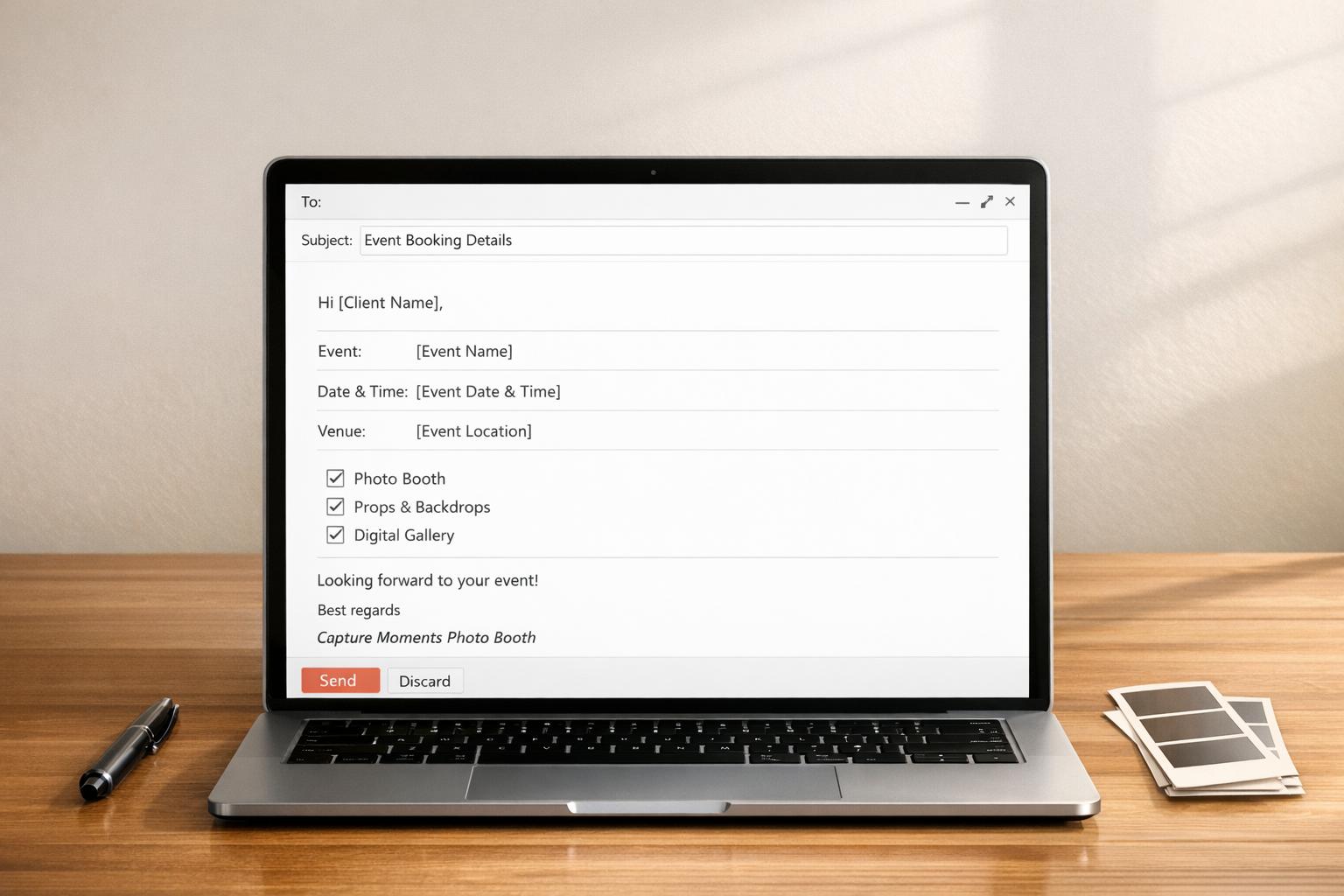
Professional Client Emails for Photo Booth Bookings
Running a successful rental business takes more than great equipment and a fun setup. Clear communication matters just as much, especially when clients are making decisions about their event. A Photo Booth Client Email Formatter helps business owners create polished messages that feel professional without sounding stiff. Instead of rewriting the same confirmation or follow-up email every time, you can quickly turn booking details into a clean message that covers the essentials.
Built for Real Event Communication
Whether you’re responding to a wedding inquiry, confirming a birthday package, or summarizing custom rental options, this tool keeps your email clear and organized. It includes the client name, event date, event type, requested services, and your business name in a format that feels thoughtful and business-ready.
Save Time and Keep Your Brand Consistent
A strong photo booth client email sets the tone for the entire customer experience. When your messages are clear, friendly, and easy to understand, clients feel more confident moving forward. This email template generator gives photo booth companies a simple way to send consistent, polished communication while saving time during busy booking periods.
FAQs
Who is this tool for?
This tool is made for photo booth business owners who want to send cleaner, more professional emails to clients without writing each message from scratch. It’s especially useful when you’re replying to inquiries, confirming service details, or following up after a consultation. If you handle weddings, birthdays, corporate events, or private parties, it helps you keep your communication consistent and polished.
What kind of email does the tool generate?
It creates a professional client-facing message that includes a greeting, a summary of the event details and requested services, a clear next step, and a branded closing with your business name. The tone is friendly but still formal enough for business communication, which makes it a good fit for both new inquiries and booking-related follow-ups.
Can I use the generated email as-is?
Yes, in most cases you can copy the email and use it right away in your email client. The template is designed to sound natural and complete, but you can always make small edits if you want to add pricing, timing, or special notes for a specific event. Think of it as a strong professional draft that saves time while still feeling personal.